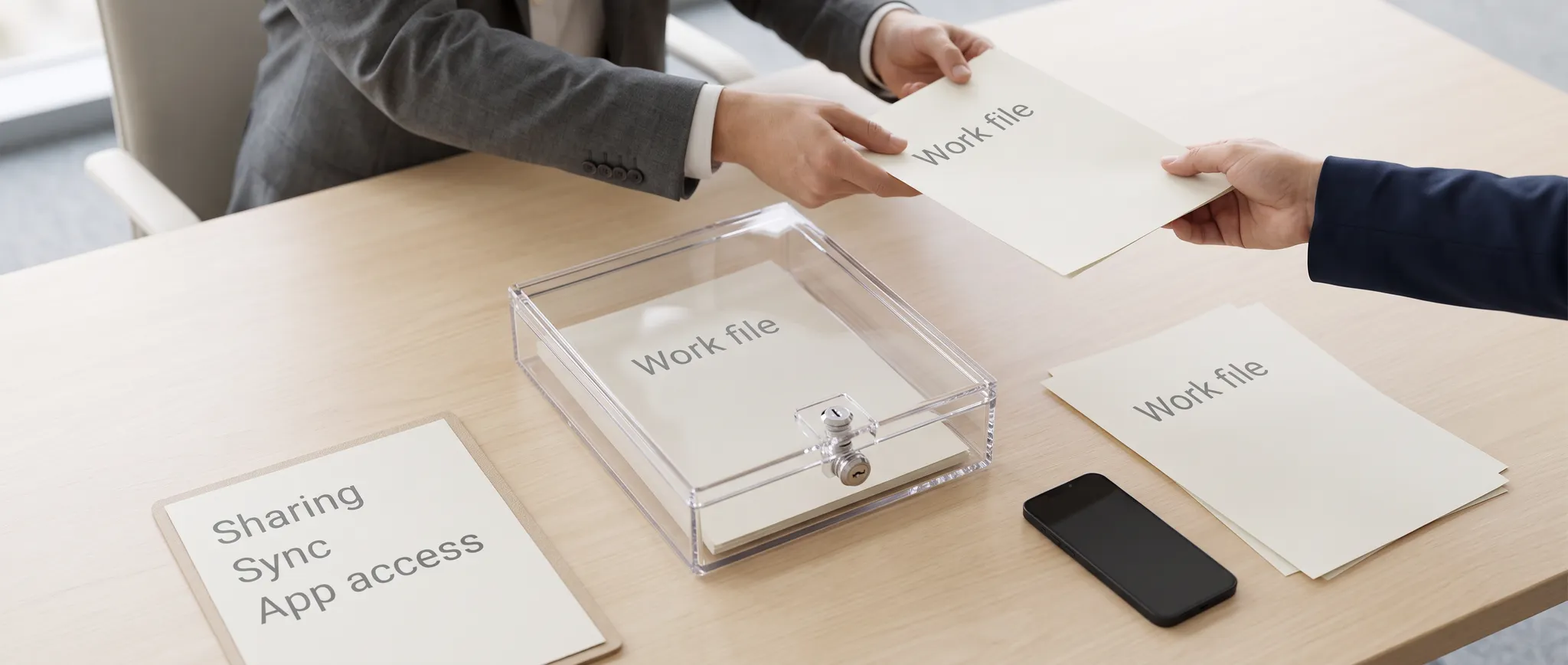
The BYOD debate of 2012 was conducted almost entirely as a device management question. Which platforms to support, whether to require a PIN, how to wipe a lost handset, what mobile device management agent to deploy. Vendors sold to that framing and IT departments bought it. The framing was too narrow, and the gap showed up quickly. The risk was never really the device. It was that collaboration tools had made corporate documents portable in a way that device controls could not reach — shared links that worked from any browser, files synchronised to personal cloud storage, attachments forwarded to personal email, documents opened in whichever app the employee preferred. A managed phone with an encrypted container and a remote wipe capability looked like control. What it actually controlled was one copy of the data, on one device, in one app.
Where the Data Actually Went
It is worth tracing the real paths, because they explain why the device-centric model failed. The shared link. A collaboration platform generates a URL. The employee sends it to a colleague, a contractor or themselves. Anyone holding that link opens the document in a browser on any device, managed or not. No agent is involved, no container is entered, and in many 2012-era configurations the link carried no expiry and no authentication requirement at all. Personal cloud sync. A file is saved to a folder that synchronises to a personal storage account. It is now on the employee's home computer, their tablet, and the provider's servers — and it will continue to synchronise after they leave the company unless someone remembers to break the connection. Email forwarding. The oldest and still the most common route. An attachment sent to a personal address is outside every control the organization has, permanently. Third-party app access. Mobile apps request access to files, calendars and contacts. An employee grants it in two taps. The app now holds a token that continues to work regardless of what the device management policy says, and frequently continues to work after the employee's account is disabled. Screenshots and photographs. A picture of a screen is a complete bypass of every technical control ever built. Unfashionable to mention, impossible to prevent, and responsible for a meaningful share of real data loss. Only the first of these has anything to do with the device, and even then only incidentally.
Why the Container Model Was Insufficient
The dominant 2012 answer was containerisation: an encrypted workspace on the personal device, holding corporate email and documents, wipeable independently of the employee's photos and messages. It was a genuine improvement and it solved a real problem — the lost phone. It did not solve the general problem, for three reasons. It assumed the corporate copy was the only copy. In practice the document existed in the collaboration platform, in the container, in whatever the employee had shared it to, and in the personal cloud account it had been saved into. Wiping the container removed one instance. It was easy to step around and the workarounds were more convenient. Employees who found the container slow or awkward used the browser, or forwarded the file to themselves, or used a consumer app that handled the file type better. Every workaround produced an unmanaged copy. And it addressed only devices the organization knew about. Contractors, partners, an employee's second personal tablet, a home desktop — all had access to the same shared links with no agent anywhere near them.
What Actually Works: Controlling Access Rather Than Devices
The architecture that eventually replaced device-centric BYOD security shifted the control point to the data and the identity. Authenticate every access, from everywhere. No anonymous links. Access to a document requires an identity, and that identity is evaluated on every request rather than once at enrolment. Make device posture one input among several. Whether the device is managed, patched and compliant becomes a signal that affects what access is granted — full access from a compliant device, browser-only with no download from an unmanaged one — rather than a binary gate. Attach controls to the document, not the container. Sensitivity labelling, encryption that travels with the file, prevention of copy, print or forward, and access that can be revoked after the file has left. This is the only mechanism that survives the file being emailed somewhere. Govern sharing at the platform level. Expiry on links by default, external sharing restricted by policy, periodic review of what has been shared with whom. Most organizations discover, when they first run this report, that the number is far larger than anyone expected. Control application access explicitly. An inventory of third-party apps holding tokens against corporate data, with approval required and tokens revoked on offboarding. This is one of the most commonly missed controls and one of the easiest to exploit.
| Data path | Review question |
|---|---|
| Shared links | Who can use the link and can access expire? |
| Personal sync copies | Where else is the file retained? |
| Forwarding or export | Which protections persist after copying? |
| Connected app tokens | Which grants must be revoked at exit? |
| Screenshots and manual copies | What residual risk needs other controls? |
Qualitative summary of this article's source text, not a measured outcome or performance estimate.
Practical Guidance for Mobile Collaboration Security
- Audit what has already been shared before designing any policy. Existing shared links, external collaborators, connected third-party apps and personal sync connections. The findings will reshape the policy.
- Set link expiry and authentication as defaults. Anonymous perpetual links are the single largest source of unintended exposure in collaboration platforms, and the fix is a configuration change rather than a project.
- Classify the small amount of data that genuinely matters. Universal classification schemes fail because nobody applies them. Identify the material where exposure would be seriously damaging and protect that properly.
- Use conditional access rather than device enrolment as the primary control. Grant capability based on identity, device state, location and risk, rather than on whether an agent is installed.
- Include collaboration platforms and app tokens in offboarding. Disabling the directory account is not sufficient. Personal device sync connections, OAuth grants and externally shared links frequently survive departure.
- Provide a good sanctioned option for mobile document access. Every friction point in the approved path is an argument for the unapproved one. Usability is a security control.
- Log and review access to sensitive material. Who opened what, from where, on which device. Detection is the fallback when prevention is incomplete, which it always is.
- Write the policy for contractors and partners too. They use the same shared links and are almost never covered by device management.
The Regional Dimension
Two factors make this more pressing for organizations in the Gulf than the generic advice suggests. The workforce is highly mobile and heavily international. Employees travel frequently, work across multiple countries in the region, and are often supported by contractors and outsourced providers whose devices the organization has no ability to manage. Device-based control was never realistic at that boundary. And data residency obligations attach to the data, not to the device. A document correctly stored in an in-country tenant, then synchronised to an employee's personal cloud account hosted elsewhere, has left the jurisdiction — without any system recording that it happened. Under the UAE's data protection framework, Saudi Arabia's PDPL and sector-specific rules for financial services and healthcare, that is a compliance failure that no mobile device management console will report.
The Argument on the Other Side
It is worth stating the case for BYOD honestly, because the security discussion tends to treat it as a concession that had to be managed. BYOD delivered real benefits. Employees were more responsive because they had their work with them. Organizations avoided the capital cost and logistics of issuing devices. People used hardware they had chosen and knew how to operate, which reduced support load. And the alternative — refusing mobile access — was never viable, because the competitive pressure to respond quickly does not pause for a security review. The organizations that handled this best in 2012 did not resist BYOD. They accepted it and moved their controls to the layer where they could still be effective. The ones that treated it as a device problem spent several years managing handsets while their documents circulated freely.
The Current Repetition
The same structural mistake is being made again with AI assistants, and it is worth naming precisely. The control conversation is focused on which tools are approved and whether they are installed on managed devices. But the exposure path is identical to 2012: the data leaves through a browser, through a personal account, through an integration granted in two clicks, through a copy-paste into a chat window. Managing the endpoint does not touch any of that. What works is what worked before. Know where the sensitive data is. Control access by identity and context rather than by device. Attach protection to the document so it survives leaving. Inventory and review the integrations holding tokens. And make the sanctioned path good enough that the unsanctioned one is not worth the effort.
Common Questions
Why was device management insufficient for BYOD security?
Because most data exposure did not travel through the managed device. Shared links, personal cloud synchronisation, email forwarding and third-party app tokens all bypass device controls entirely, and none of them are affected by a remote wipe.
What is the alternative to containerisation?
Identity- and data-centric control: authenticated access to every document, conditional access that treats device posture as one signal among several, sensitivity labelling and encryption that travel with the file, and governed sharing with link expiry and periodic review.
What is the most commonly missed BYOD control?
Third-party application access. Employees grant mobile apps access to corporate files, mail and calendars, and the resulting tokens frequently survive both device wipes and account offboarding unless they are explicitly inventoried and revoked.
How does BYOD affect data residency compliance?
A file stored correctly in an in-country tenant can be synchronised to a personal cloud account hosted elsewhere, moving it out of the jurisdiction with no record. Device management does not detect this, so residency has to be enforced through sharing and sync controls at the platform level.
Mobile Collaboration Security Review — Outpace traces where your documents actually go, not where your device policy says they should, and closes the routes you did not know were open.