Business Systems / Salesforce CRM
Make CRM work for the business.
Outpace helps define and deliver a Salesforce CRM setup around how your teams manage accounts, opportunities, and customer handoffs. We begin with the process and data requirements, then scope configuration, integration, migration, and adoption.
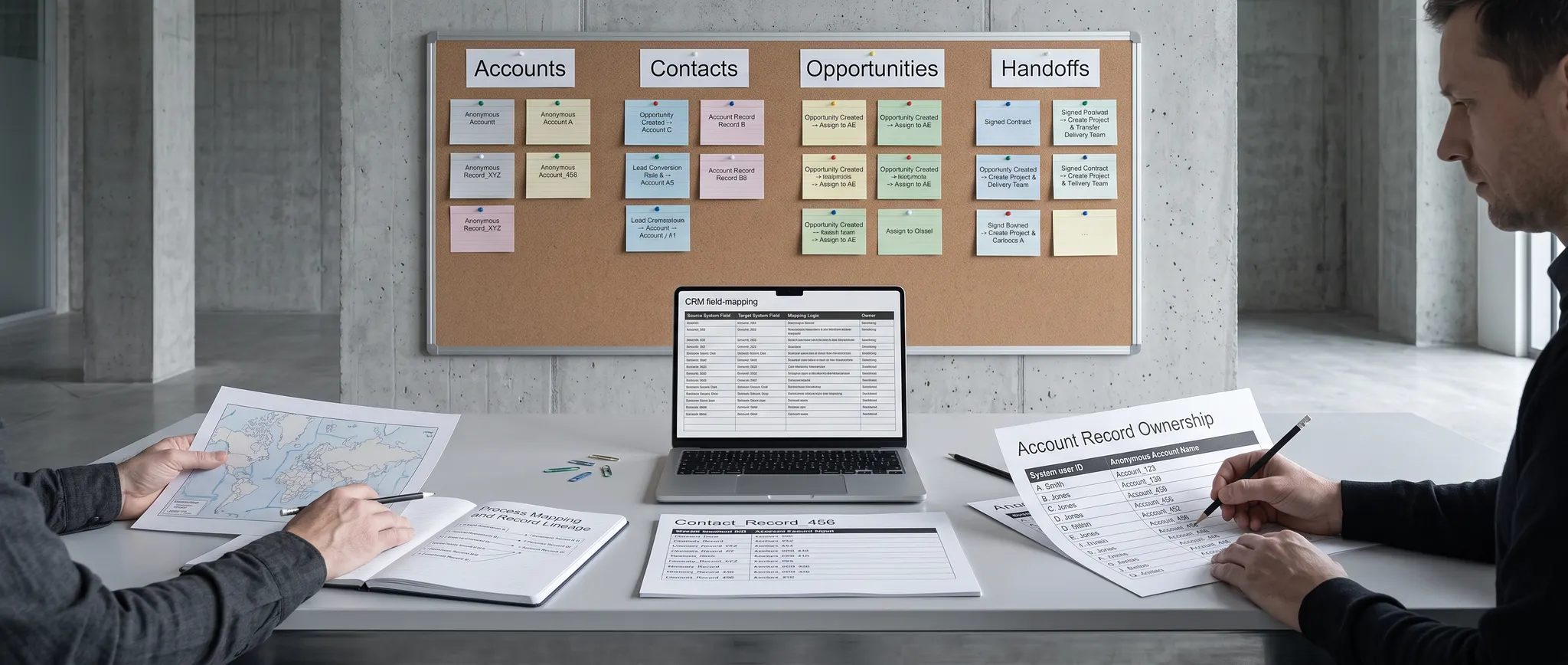
A CRM built around the work.
A shared customer record
Define which accounts, contacts, and opportunities matter, who maintains them, and where the data comes from.
Useful pipeline visibility
Shape stages, ownership, and reporting around the sales process leaders need to manage.
Clearer handoffs
Map the points where sales, delivery, service, and finance need information to pass between systems.
What we can scope.
- Process and requirements
- Discovery with sales, service, and operations teams to define use cases, roles, measures, and constraints.
- CRM design and configuration
- Account and opportunity structure, pipeline stages, access, and workflow design aligned with agreed requirements.
- Data and integration
- Source-data review, migration planning, and handoffs with the ERP, workplace, or other systems that need to stay connected.
- Reporting and governance
- Definitions for pipeline reporting, data ownership, permissions, and the checks needed to keep records usable.
- Rollout and adoption
- Testing, training, change support, and a plan to improve the setup after teams start using it.
How we approach the work.
Understand
Review how customer and opportunity work moves today, including the gaps and duplicate entry.
Scope
Agree on the data model, workflow, integration needs, owners, and rollout priorities.
Deliver
Configure and connect the agreed scope, then validate it against real team workflows.
Adopt
Support the rollout, train users, and refine what the team needs in daily use.